AI Lead Scoring for Real Estate: Smart Lead Qualification Guide 2026

Michael Chen
Author
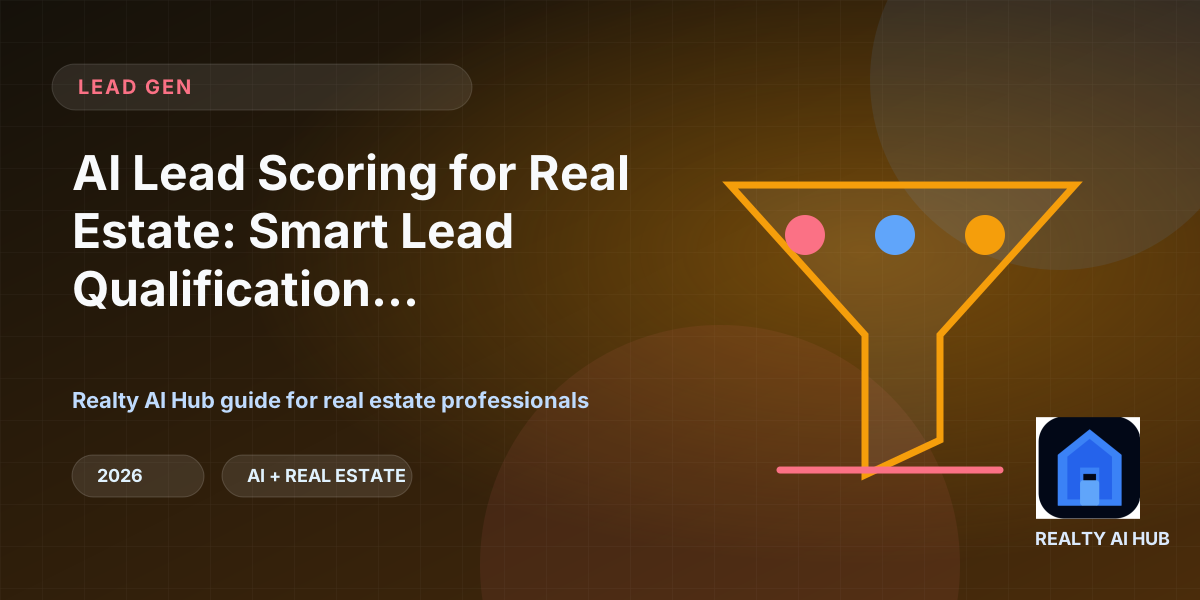
Not all leads are created equal. Every real estate agent knows the frustration of spending hours following up with a prospect who is years away from buying, while a hot lead goes unnoticed. AI lead scoring solves this problem by automatically analyzing each lead's behavior, engagement level, and demographic data to assign a numerical score indicating purchase readiness. Agents using AI lead scoring report 50% higher conversion rates and 30% more time focused on revenue-generating activities instead of dead-end follow-ups.
How AI Lead Scoring Works
AI lead scoring models analyze dozens of signals to determine a lead's likelihood to convert. These signals include website behavior (pages visited, time on site, listing views), email engagement (opens, clicks, replies), content consumption (downloaded guides, viewed blog posts), demographic fit (budget range, timeline, property preferences), and lead source (Zillow, Realtor.com, referral, open house). The AI combines these signals into a weighted score that updates in real-time as the lead engages with your marketing. Chime CRM offers built-in AI lead scoring that automatically prioritizes leads based on engagement and fit. LionDesk includes predictive lead scoring that identifies which leads are most likely to convert within 30 days. Follow Up Boss provides AI-powered lead routing that assigns hot leads to the right agent immediately.
Automated Lead Qualification
AI automation handles the initial lead qualification process, asking the right questions and gathering essential information before a human agent ever needs to engage. AI chatbots and automated email sequences qualify leads by asking about budget, timeline, property preferences, and financing status. Drift offers AI chatbots that qualify leads in real-time conversations on your website. ManyChat provides automated Facebook Messenger and SMS qualification sequences. Zapier connects your lead sources to your CRM with automated qualification workflows that trigger based on lead behavior. This automation ensures every lead is properly qualified before consuming agent time.
Lead Prioritization Dashboards
AI lead scoring dashboards give agents a clear view of which leads need immediate attention, which require nurturing, and which are not worth pursuing. Salesforce offers Einstein AI lead scoring with customizable models trained on your historical conversion data. HubSpot CRM provides predictive lead scoring that improves over time as the AI learns which lead characteristics predict conversion. Pipedrive includes deal probability scoring that helps agents focus on deals most likely to close. These dashboards help agents prioritize their daily activities for maximum impact — calling hot leads first, sending personalized content to warm leads, and scheduling follow-ups for new leads.
Implementing Lead Scoring in Your Business
Start by defining what a qualified lead looks like for your specific market and business model. Set up lead tracking on your website and email campaigns so the AI has data to analyze. Choose a CRM with built-in AI scoring or connect your existing CRM to an AI lead scoring tool. Monitor your scoring models and adjust weights based on actual conversion data. The most successful agents review their lead scores daily and create separate follow-up sequences for hot, warm, and cold leads. With AI lead scoring handling the qualification process, agents can focus their energy on building relationships and closing deals rather than chasing unqualified prospects.